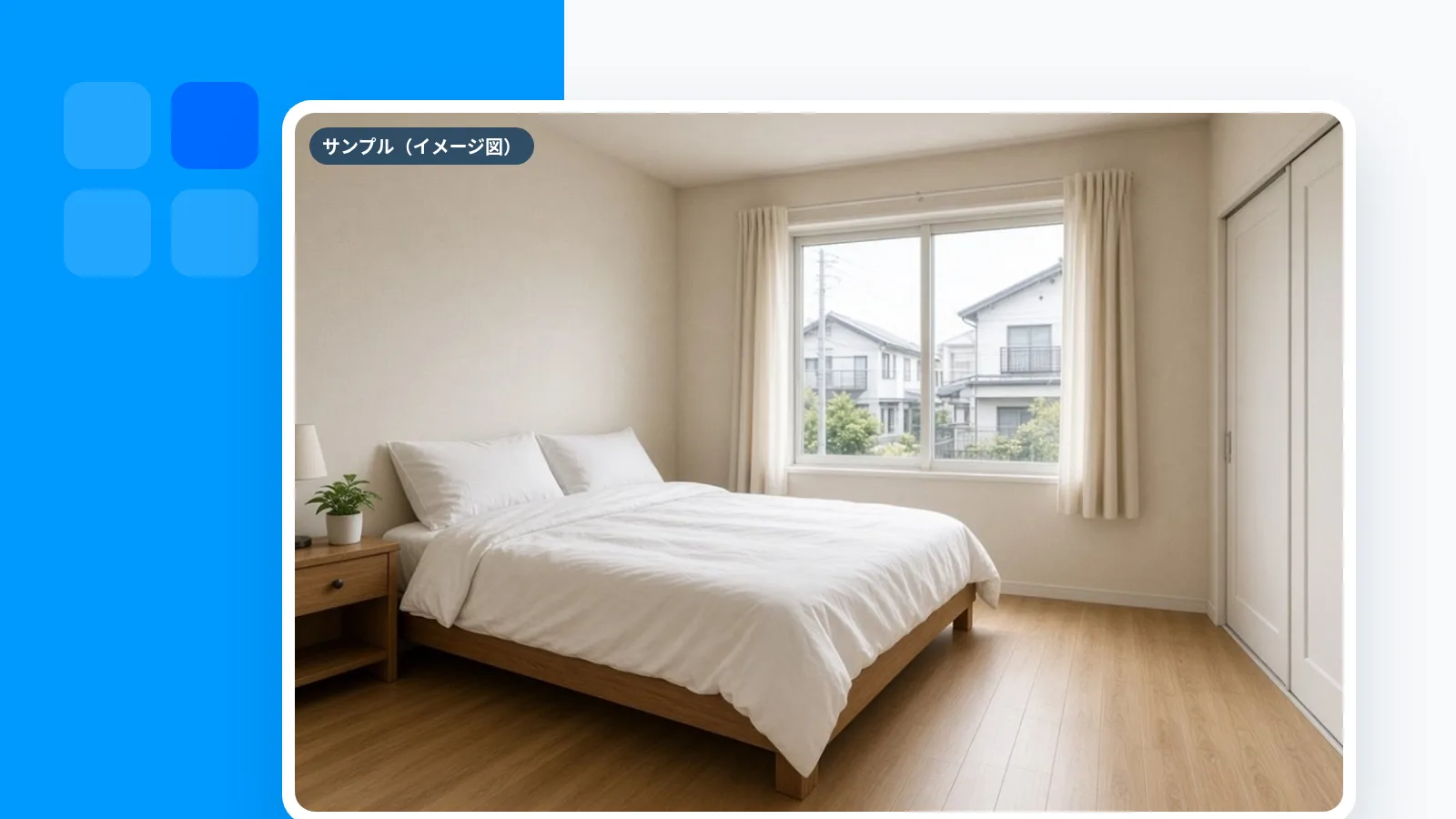
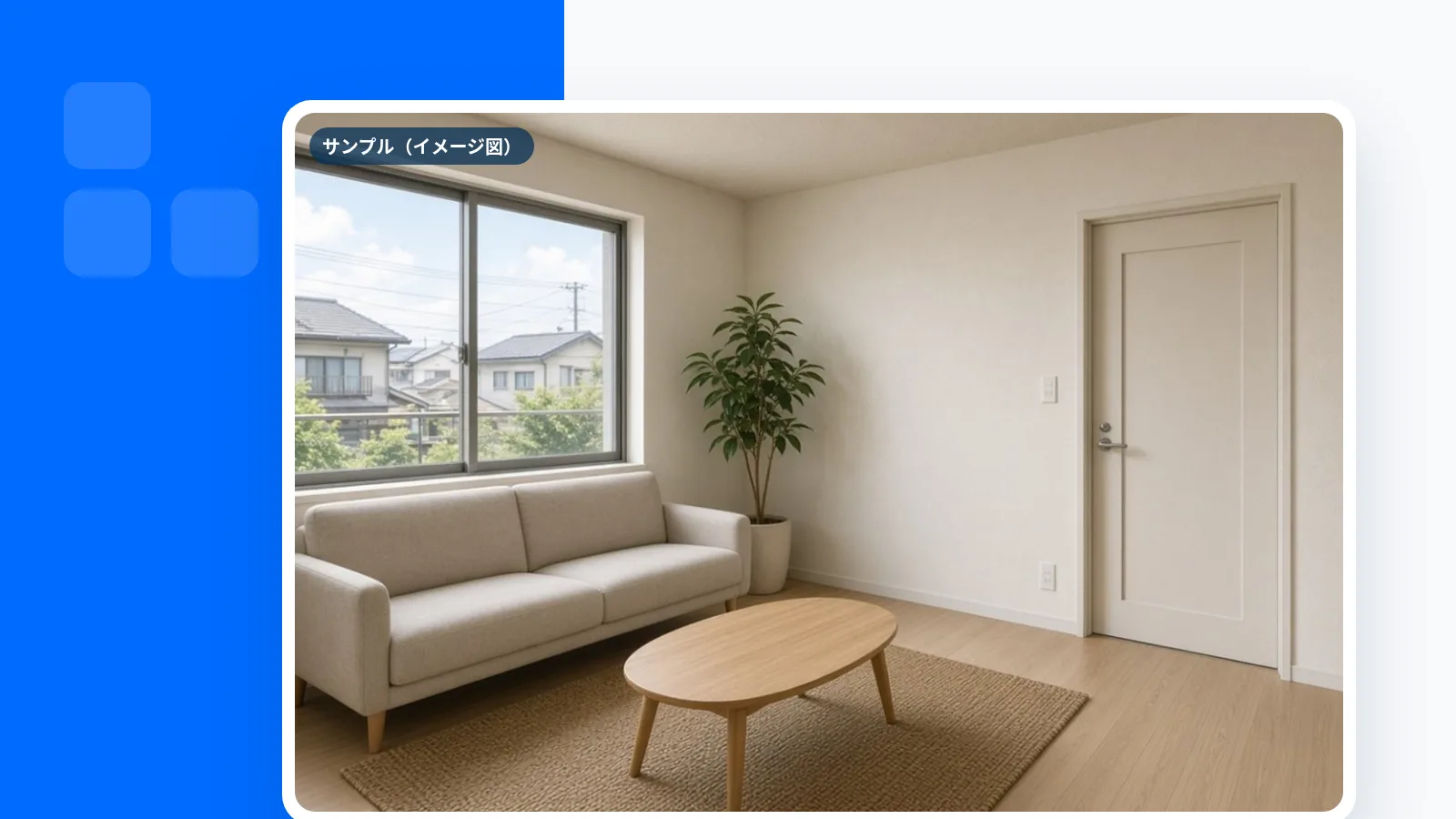
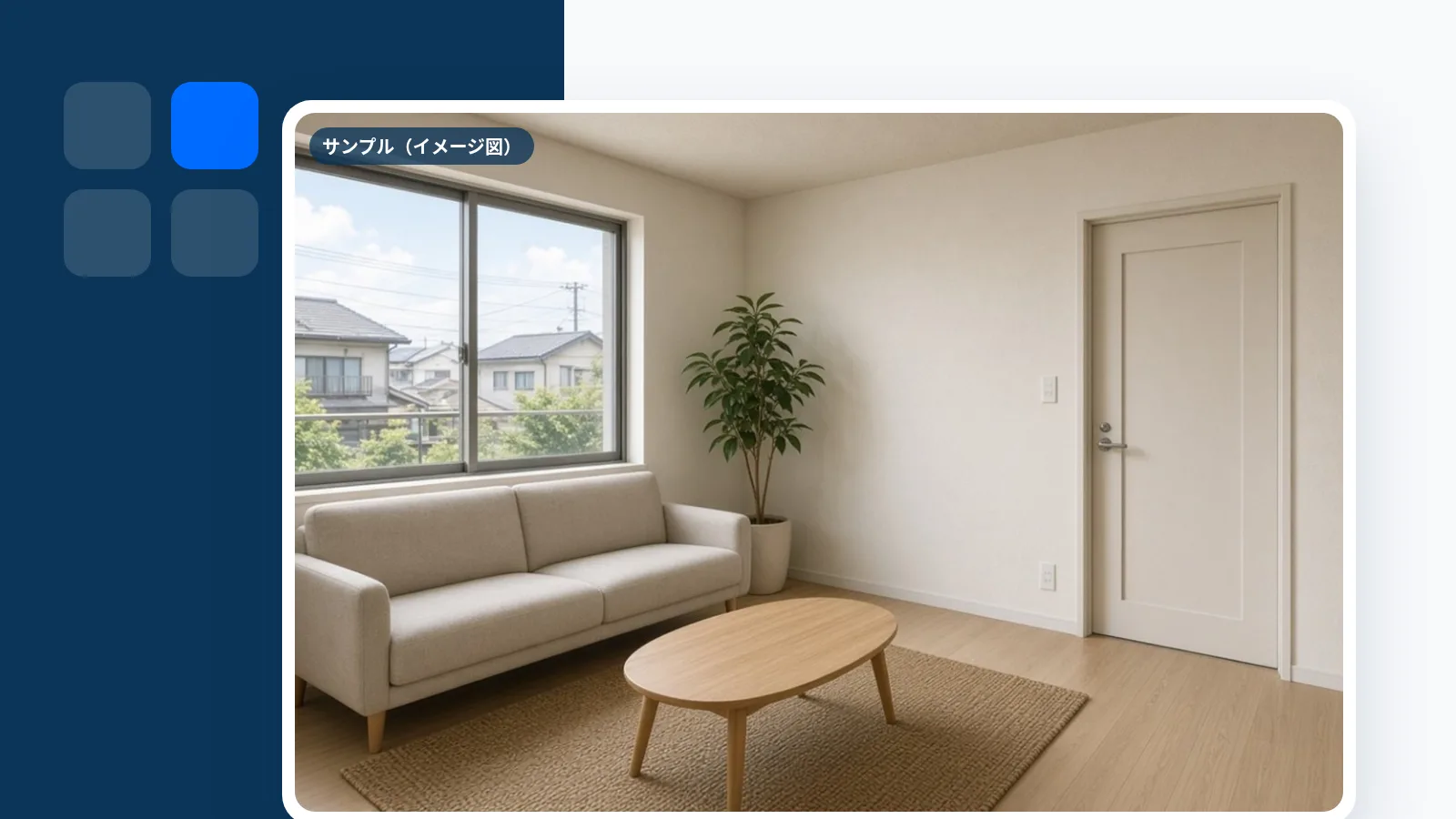
機能一覧
バーチャルホームステージングの機能一覧
バーチャルステージングだけでなく、注記・原画像・縦型動画・多言語の紹介文まで。賃貸の掲載に必要な素材を、1物件ごとにそろえるためのバーチャルホームステージングツールです。
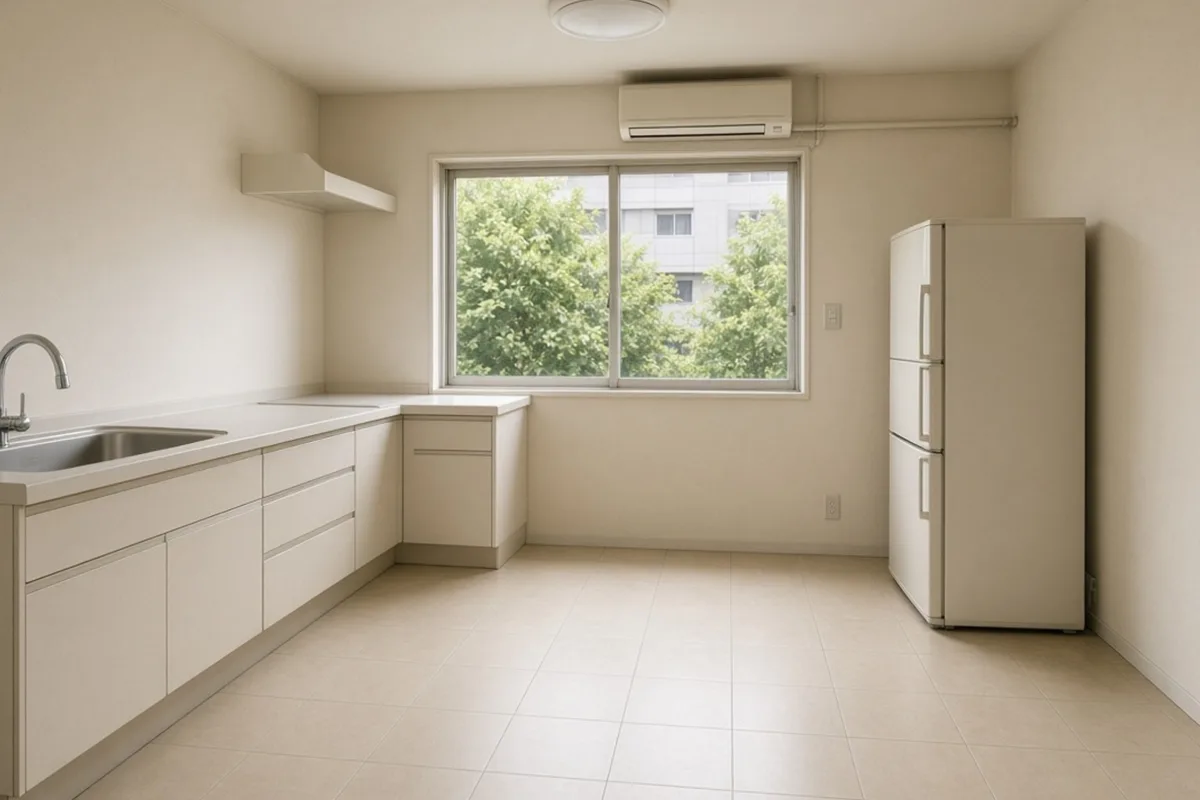
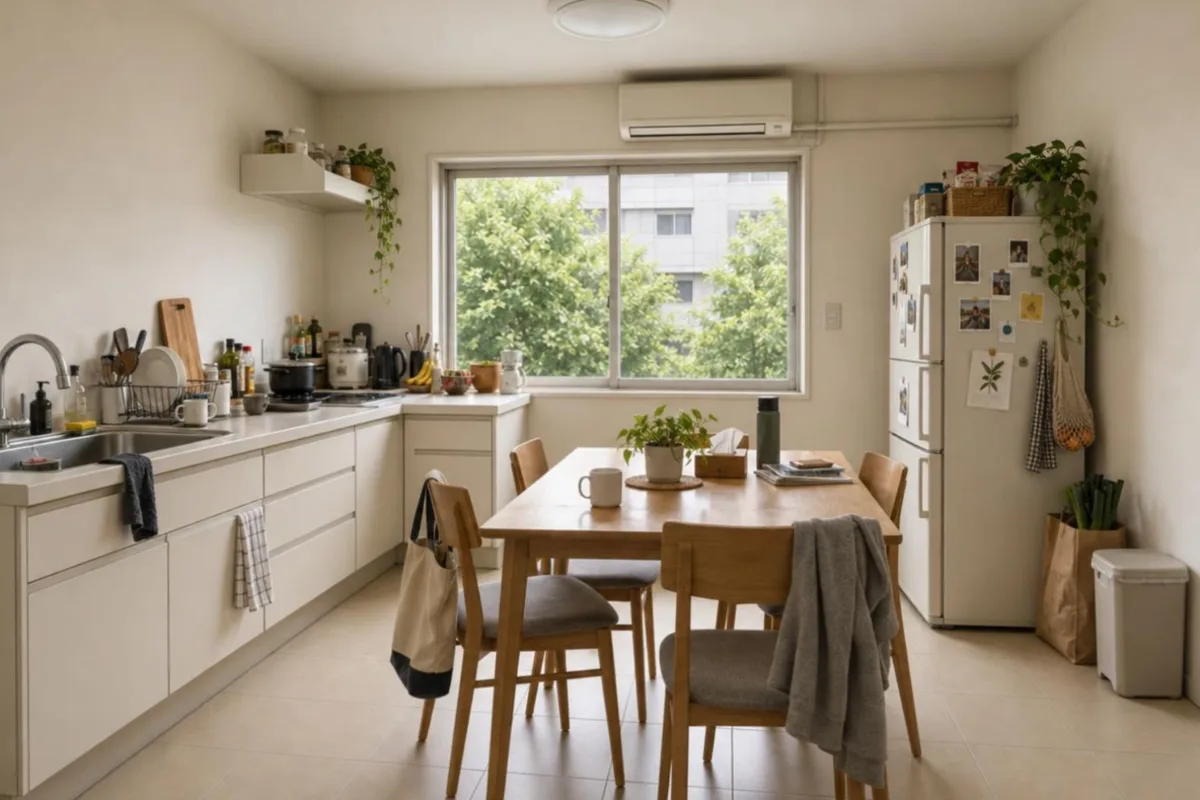 BeforeAfter*Furniture removed with CGSample (illustration)
5つのレイヤー
写真から書き出しまで、ひと続きで。
各レイヤーをクリックすると、できることの詳細とサンプルが表示されます。
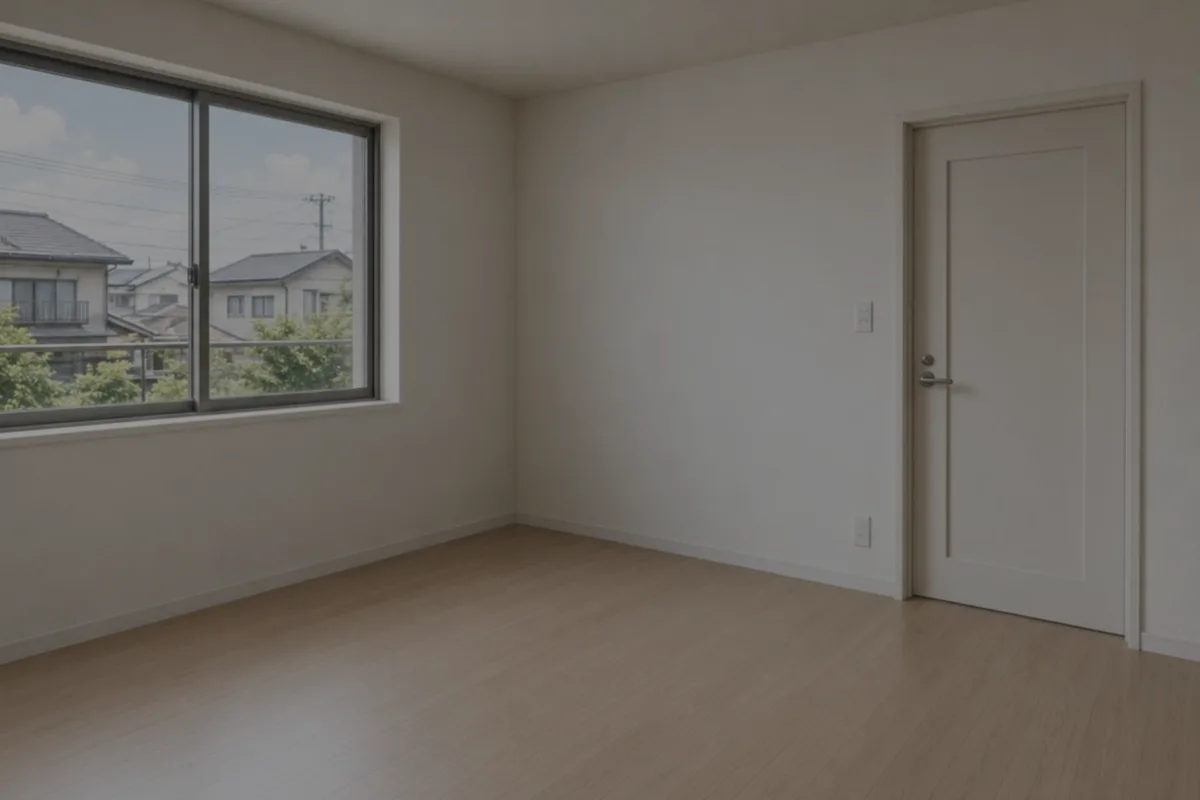 サンプル(イメージ図)
ワークフロー
迷わない5ステップ
- 01Upload on this pageUp to 20 interior/exterior photos. HEIC supported.~1 min
- 02StagingChoose staging, furniture removal, blue sky or enhancement per photo.~30–60 s per photo (target)
- 03DisclaimerDisclaimers are burned into edited images and cannot be removed.Automatic
- 04Video & copyCreate a 9:16 vertical video and JA/EN/ZH listing copy.~1–2 min
- 05Download as ZIPDownload originals, edited images, video and copy in one go.Seconds
目標:平均15分以内で1物件の掲載素材がそろう設計です(写真枚数・加工内容により変わります)。
納品物
書き出しはZIPひとつ
ファイル名には物件IDが入るので、複数物件を並行して扱っても混ざりません。ポータルの入稿、社内共有、オーナー報告にそのまま使えます。
VS-2F8K1Q_掲載パック.zip
- 01_original/All original photos
- 02_staged_annotated/Edited images with disclaimers
- 03_video/property.mp49:16 vertical video
- 04_copy/ja.md・en.md・zh.mdPortal copy + reference translations
- portal_comment.txtImage disclosure wording
- share_url.txtShare page URL & QR
できないこと
Virtual Stagingがやらないこと
誤認のない掲載のため、そして目的を絞った道具であるために、次のことはしません。
- 間取り・窓・柱など構造を変える加工
- 窓の外の眺望の合成・差し替え
- 電柱・電線・周辺建物の消去
- 注記なしでの加工画像の書き出し
- SUUMO・HOME'S等への自動投稿
- VR・360°内覧の作成
- 一般消費者向けの部屋レイアウトシミュレーション
- 「反響2倍」など成果の保証
よくある質問
機能についてのよくある質問
Try virtual staging free, right now.
No card needed. Try disclaimers, vertical video, copy and ZIP export with samples or your own photos (AI editing available now).
All features
各機能の詳細
AI virtual stagingPlace CG furniture in empty rooms. 6 styles.Furniture removal (occupied → empty)Remove furniture and clutter from occupied photos.Blue-sky replacementTurn overcast exteriors into natural blue skies.Auto CG disclaimerBurn a “CG image” note into each image. Not removable.Property short video (vertical)Auto-create 9:16 property videos from photos.JA/EN/ZH listing copyPortal copy plus English/Chinese translations from property data.